
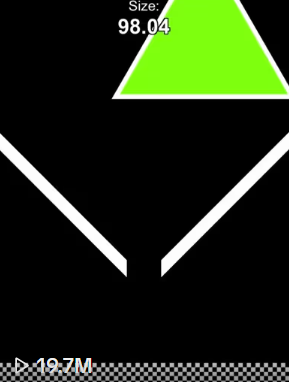
Triangle Gravity Funnel
Faithful HTML 10 triangle, gravity funnel, Shepard notes and explosion finale.
CREATOR RESULTS
SimLab brings simulation editing, preview and video export into one workflow. Start with the available presets or experiment with your own scenes.
You choose what to create and publish.
TWO WAYS TO CREATE
Multiple viral simulations to start with. A visual lab to take it further. An empty canvas when you have an idea of your own.
01 / READY-MADE SIMULATIONS
Faithful HTML 10 triangle, gravity funnel, Shepard notes and explosion finale.
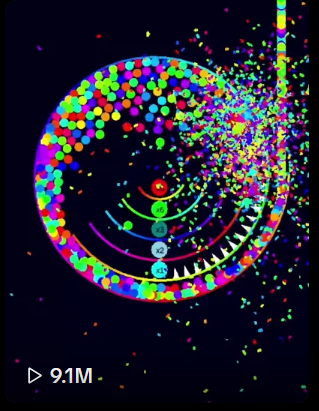
Colliding balls fill a rotating spiral and burst out of the arena.
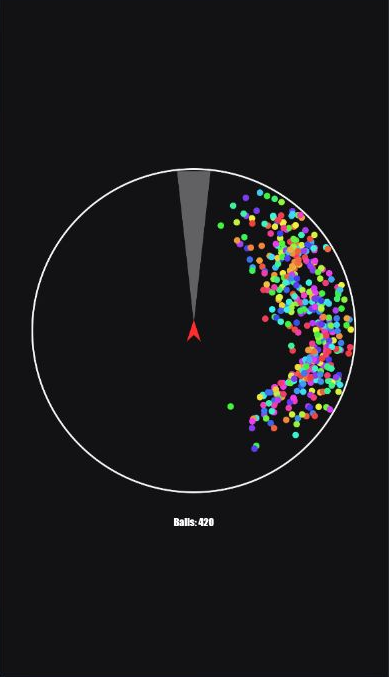
A spinning hazard. A growing swarm.
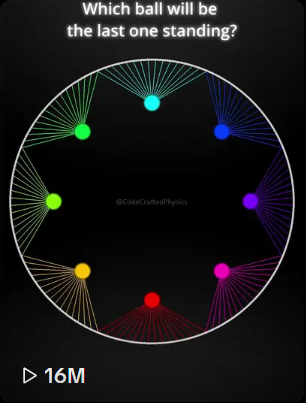
Eight balls capture their rivals’ tethers. Musical rebounds build into a faster final duel.
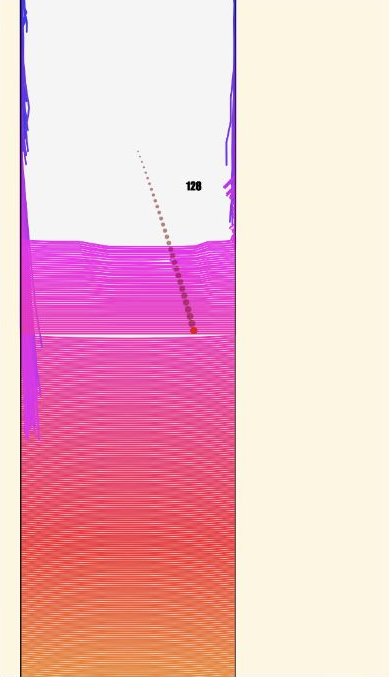
One ball. A rainbow of ropes to break.
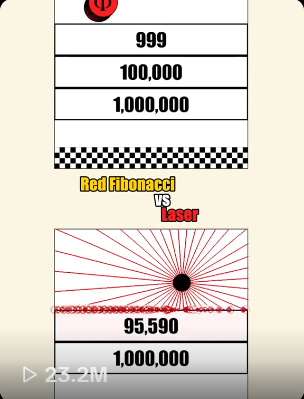
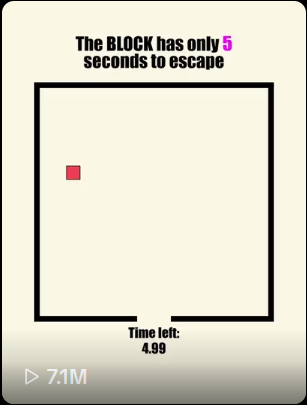
An empty 720 px square with three editable health-linked steps and a checkerboard finish. Add your own balls.
Two empty 600 px step arenas with independent health and a 200 px center gap for your title. Add your own balls.
Source-mapped 120 Hz port with one physical Ball, one visual mirror, two-second freeze pairs, trails and the original counter.
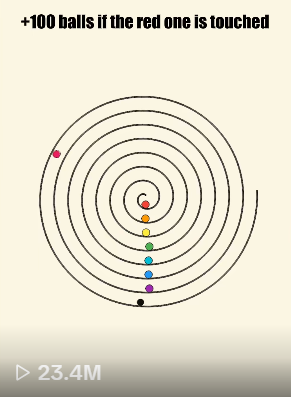
Four multiplier targets, a rotating spiral and bounded ball spawning.
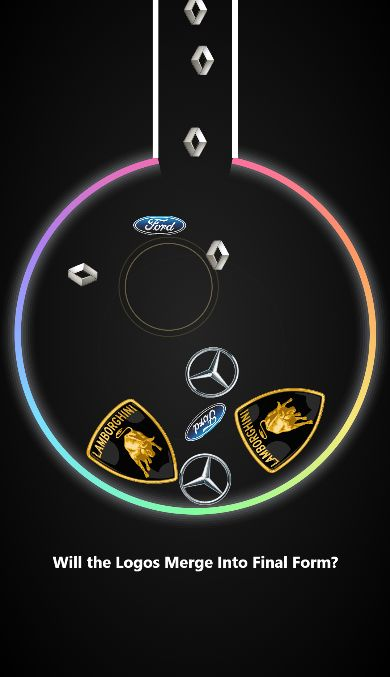
Merge matching car logos. Reach the final form.
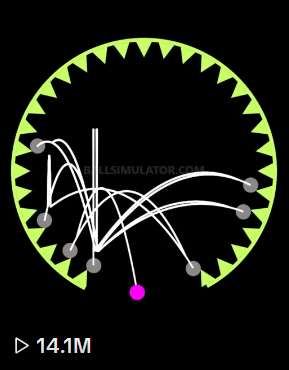
A faithful editable copy of HTML 9: one Ball rebounds through 30 permanent cushions, synchronized audio and the original collapse finale.
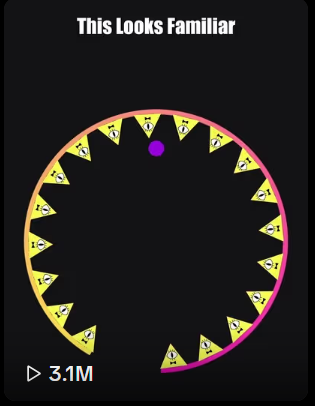
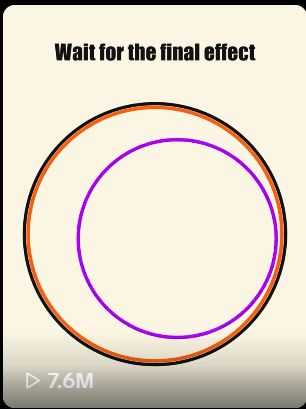
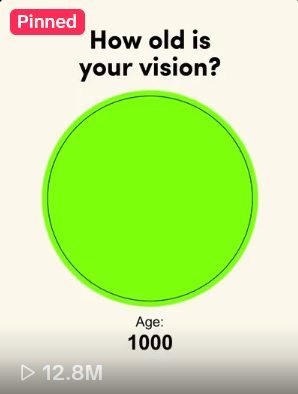
Faithful HTML 6 copy with editable Ball and source-locked circular boundary, Age counter and Music Box.
Faithful HTML 8 with recoiling ellipses, source audio and editable Ball and title.
Source-mapped Python port with deterministic safety limits and the original source's silent audio behavior.
Source-mapped 240 Hz port with interpolated 60 FPS rendering, one fixed center Ball, 15 sequential Rings and the final expansion.
Spiral target relay with a 2.5-second pass-through delay and a final burst of 300 solid balls.
Browse every available preset. New simulations are on the way.
02 / FROM YOUR IMAGINATION
Start with an empty canvas. Combine shapes, motion, physics, text and sound to create a simulation of your own. Preview as you build, then export when it feels right.
Shown here: a SimLab workflow—describe a change to Codex, see it update the simulation, then play the result.
Try SimlabFROM YOUR LAB TO YOUR NEXT POST
No screen recording.
Just your simulation, ready to share.
Create your video inside SimLab and download it directly. No screen recorder, no browser borders, no extra capture setup.
Each frame is rendered individually. Your export doesn’t depend on your screen keeping up with the simulation in real time.
Export directly at 1080 × 1920, without an extra screen-recording step that can reduce quality. Your MP4 is ready for your next post.
Build and export your simulation videos in one app.
NOT AT ALL. Build visually, customize supported preset properties, and export without writing code or recording your screen.
ON YOUR DEVICE. SimLab creates video frame by frame in your browser, separately from real-time preview. Export requires compatible H.264/AAC encoding and sufficient device memory; processing time depends on your computer. Current limits and compatibility requirements are shown before export and on Pricing.
NEVER. Create and download a vertical MP4 directly from SimLab, without browser borders or screen-recording software. MP4 uses video compression; it is not a lossless format.
ABSOLUTELY. Start from a preset or build from scratch, then change the shapes, physics, audio, colors, text, and effects until the simulation is completely yours.
IT IS EVERGREEN. Simulation videos have consistently dominated TikTok and YouTube Shorts for years. Because few creators know how to make them well, new accounts have room to go viral, monetize, and keep generating significant revenue day after day from videos that can perform for months.
YOUR FIRST SIM STARTS HERE